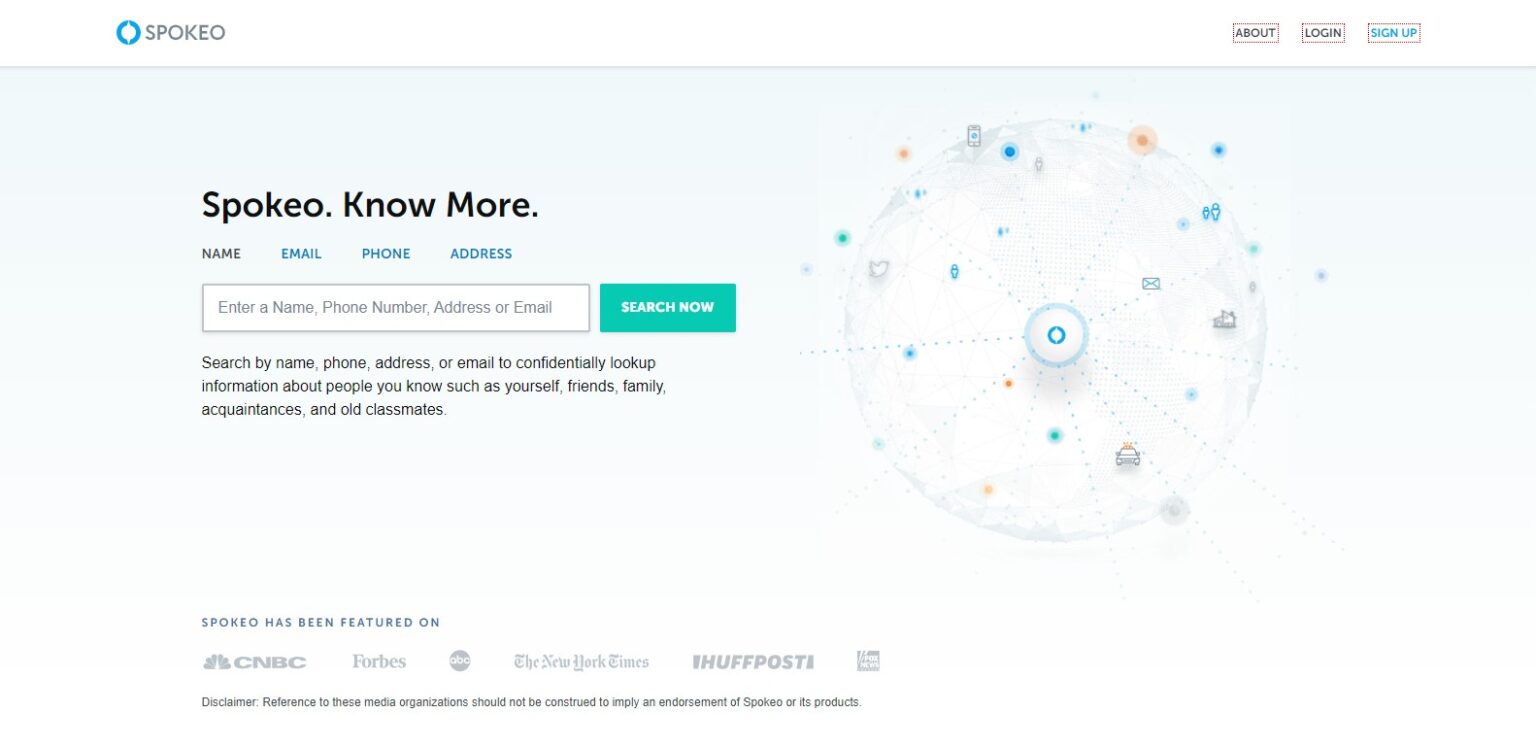
Opting out of Spokeo is free and does not require buying a premium identity protection package. The removal process removes your specific URL from public search queries, cutting off immediate access to your data file. Follow this sequence directly:
1. Locate Your Specific Profile URL
Open an incognito browser window and navigate to Spokeo. Search your full name, city, and state. Sift through the results until you identify the listing that matches your history. Click on the profile and copy the exact URL from your browser's address bar (for example: spokeo.com/John-Doe/California/San-Jose/p1234567890).
2. Navigate to the Opt-Out Page
Scroll down to the footer of Spokeo's home page and click the opt-out link, or navigate directly to spokeo.com/optout. Do not search for your name inside this form. Paste the exact URL you copied in the previous step into the profile URL box.
3. Provide a Disposable Verification Email
Spokeo requires an email address to verify the removal request. Never supply your primary personal or work email. Use an alias service, an iCloud hide-my-email address, or a temporary burner inbox. Enter the address, solve the CAPTCHA challenge, and click Remove This Listing.
4. Confirm the Automated Token Link
Open your secondary inbox and check for an automated confirmation link from Spokeo. Click the link inside that email immediately to authorize the queue request. The system displays a confirmation window stating the profile will disappear within 48 to 72 hours.
5. Audit and Verify
After three full business days have elapsed, clear your browser cache and search for the profile URL again. The page should return a standard 404 or an empty landing page indicating the profile has been suppressed.

